
Hello My Friends!
I am excited to share with you a great giveaway courtesy of UPrinting.
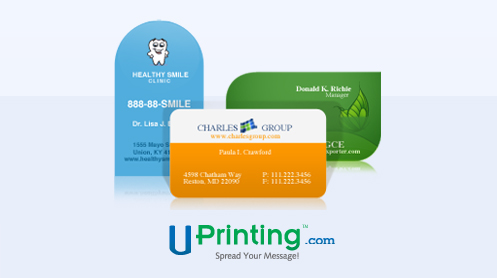
UPrinting is giving 250pc Die-cut Business Cards for one winner.
Make sure you visit UPrinting to take a look at these
awesome Professional business cards .
Here is the PRIZE INFO for you:
250pcs Die-cut Business Cards for one winner
2×3.5″ Rounded Corners, 2×2″ Rounded Corners, 1.75×3.5″ Rounded Corners,
2×3.5″ Leaf, 2×3.5 Rounded one corner, 2×3.5″ Half Circle Side, 2×3.5″ Oval, 2.5″ Circle
14pt Cardstock Gloss / Matte / High Gloss (UV),
or 13pt Cardstock Uncoated
There is a 6 Business Days Turnaround time
and Free US shipping only
Now have fun and enter the GIVEAWAY using your Facebook account or email!
Good luck everyone!
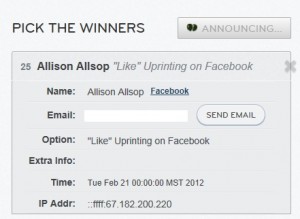
We have a winner:
Allison Allsop.
An email has been sent!
{“You should assume that the owner of this blog will receive free print products in exchange for the post. Any and all reviews posted are based solely on my own experience and may be atypical. Please practice due diligence in making any related purchase decisions.”}

Wha-hoo, I’m the winner! I never wins things! Thanks So much!
Thank you so much for the feature! You just made my day!!!
Stopping by from the Blog Hop. Love your blog, now following! I would love for you to stop by mine! http://nikkiemadeit.blogspot.com
Nikki
Visiting form the blog hop. Now following your cute blog. Would love for you to stop by and say hi!
http://blissfulanddomestic.blogspot.com
I did do that, but it still wants me to sign in to Facebook for my entry to count.
How do I enter? You don’t really say, but I’m assuming I need to click that thingy at the end of your post? It seems to want me to have a Facebook account, which I don’t have. Is that the only way to enter?
If you don’t have a Facebook account click where it says Use Your Email. Then you will see how to enter the giveaway.